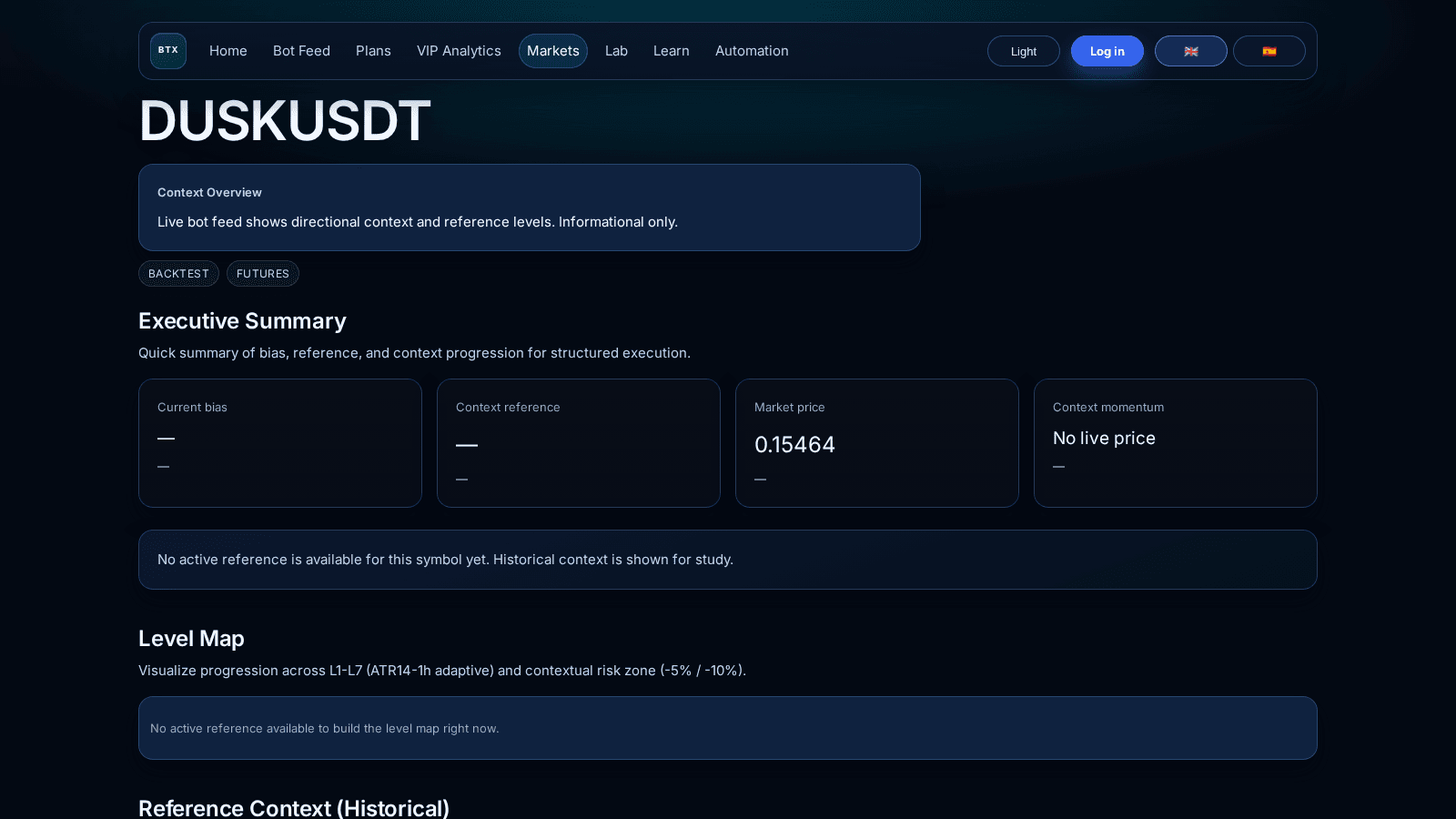
Symbol-Level Backtesting
Entry-by-entry detail, segment stats, and historical context before deployment.

Simulate how a basket of symbols would have behaved historically under one shared budget model before deployment.
Use one capital frame, compare multiple symbols, and review outcome, worst dip, positive rate, and factor before going live.
Entry-by-entry detail, segment stats, and historical context before deployment.
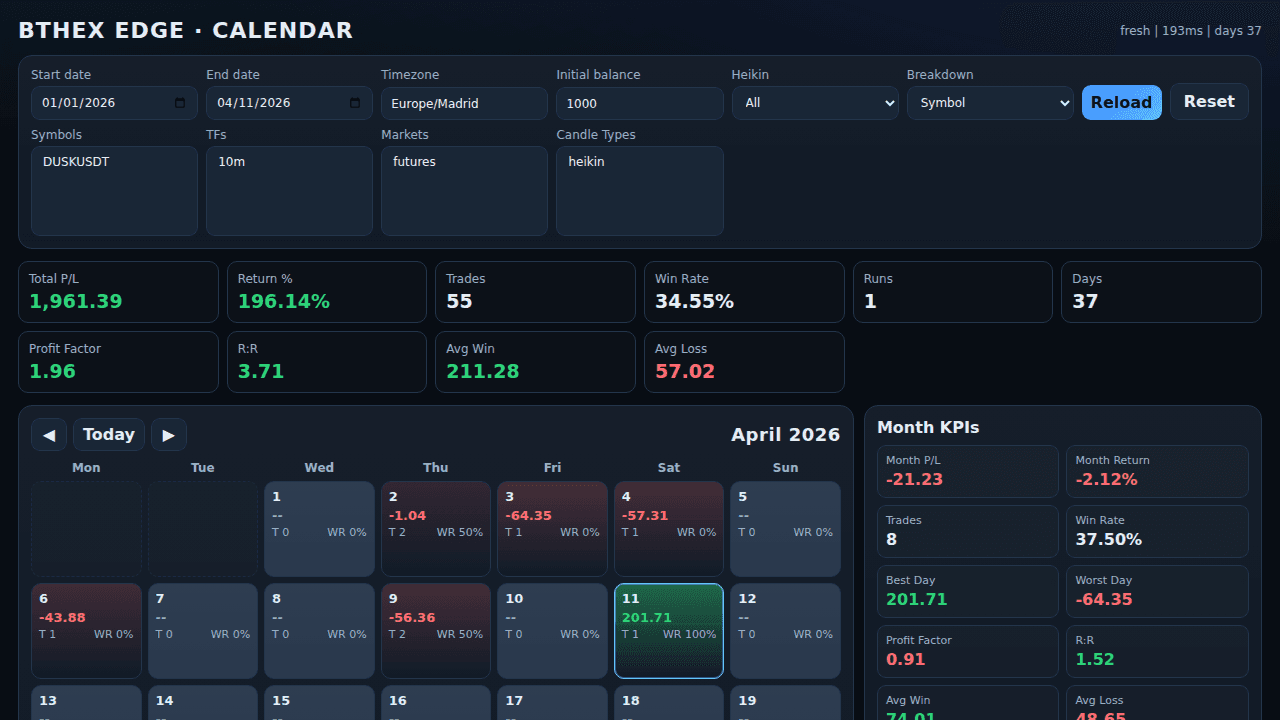
Operational quality and consistency checks to validate stability.
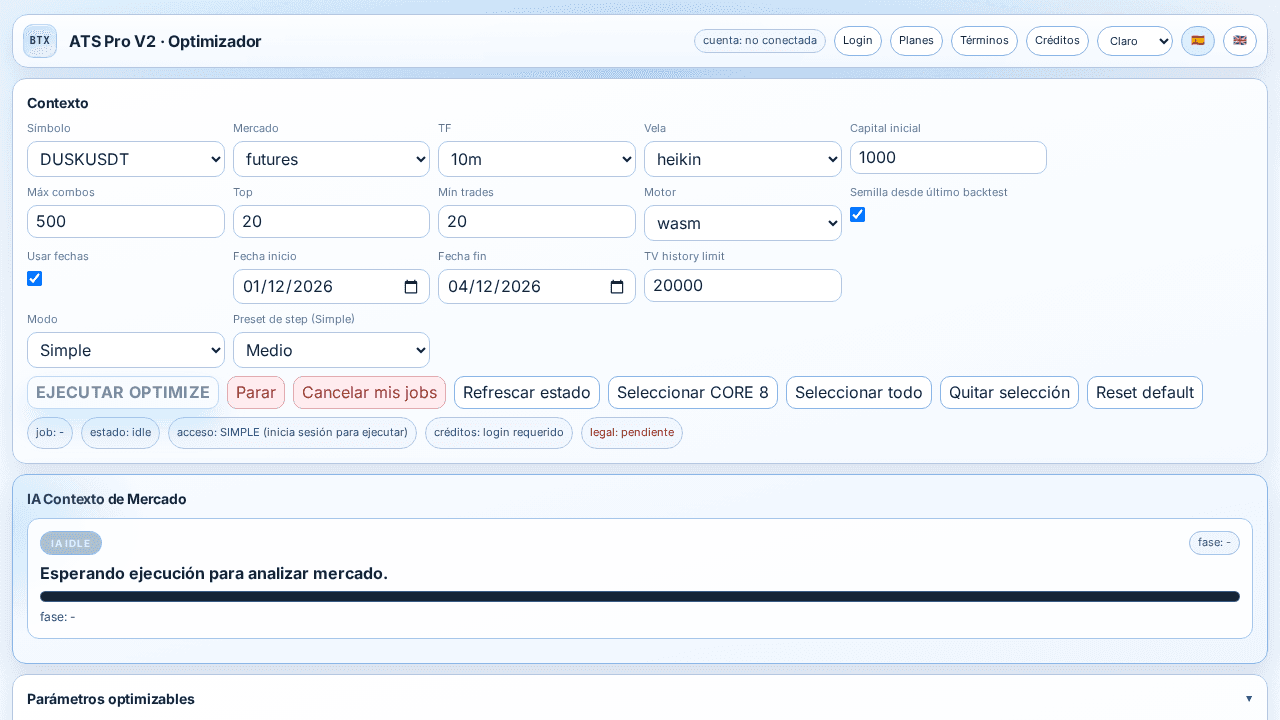
Parameter iterations and side-by-side comparisons for stronger scenarios.
Shared simulation budget: 100 USDT per symbol to compare the basket under one frame.
This budget is used only to normalize scenario comparison.
Final guidance depends on worst dips, basket composition, fees, and operating conditions.
Key questions to quickly understand how Simulation Lab is used inside the workflow.
It is a basket scenario tool to evaluate historical behavior before deployment.
No. This is a historical scenario readout to support decision-making.
Simulation Lab compares baskets under one frame. Backtesting goes deeper into symbol-level historical detail.
Simulation Lab supports basket and capital decisions. Optimize is focused on parameter exploration and tuning.
It keeps symbol comparisons consistent inside the same scenario.
Because it includes worst dips, basket composition, and operating margin, not only the simulation base.
It adds deeper historical scenario context plus contrast with a live account snapshot.